100 Life Admin Tasks That Make Future-You Feel Smug
Life admin is the invisible job you never applied for… and yet here you are, doing it anyway.
So if your wondering if there is anything you can do to help you get a head start, and not remember 5 minutes before you head out the door that you definitely didn’t update your parking with the hospital (just me?!) then this list might just help future-you feel bit more calm and prepared. You don’t need to do them all. Pick 5. Pick 1. Pick “read this while lying down”, that still counts as planning.
If you want, grab a cuppa and treat it like a buffet: choose what you fancy and leave the rest for another day.
How to Use This List (So It Doesn’t Feel Like Homework)
- Choose five tasks max for today.
- Start with 10-minute wins if your brain is tired.
- If you do one thing, do something that removes future stress (like passwords, paperwork, or reminders).
10-Minute Wins (Tiny tasks, instant relief)

- Add an ICE contact (In Case of Emergency) in your phone.
- Save your GP surgery number in your contacts.
- Create a “BILLS” folder in your email.
- Unsubscribe from 5 marketing emails.
- Delete 20 screenshots you don’t need.
- Clear your downloads folder.
- Back up your phone photos (or check it’s on).
- Update one password.
- Put bin day in your calendar.
- Write a list of 10 easy dinners you can make on autopilot.
Money Admin (The boring stuff that saves you actual money)
- Check your direct debits list (no judgement, just look).
- Cancel one unused subscription.
- Set a tiny savings standing order (£1 counts).
- Make a note of your pay date + bill dates.
- Add renewal dates for insurance to your calendar.
- Check if you’re paying bank fees you don’t need.
- Create a “subscriptions” note with what you pay and when.
- Check your loyalty points balances.
- Set a monthly “money check-in” reminder (10 mins).
- Create a simple budget note: income / essentials / wiggle room.
- Set up a “Christmas pot” (even if it’s pennies).
- Start a “birthdays” sinking fund list.
- Check your mobile plan’s end date.
- Check the broadband contract end date.
- Switch paper bills to digital (where you can).
- Make a list of “annual costs” (MOT, school stuff, etc.).
- Put receipts in one place (email folder or a drawer folder).
- Check whether you’ve got an overdraft you no longer want.
- Make a list of 5 cheap meals for tight weeks.
- Set a reminder to review one bill at renewal time.
Home & Paperwork (The “where is that document??” prevention plan)
- Find your passport / driving licence and put them in one spot.
- Photograph important documents (store securely).
- Create a “House stuff” folder (paper or digital).
- Save appliance manuals as PDFs (if you can find them online).
- Write down your boiler model and service date (if relevant).
- Put spare keys somewhere sensible.
- Create a “returns” bag/box spot.
- Make a list of emergency contacts and keep it somewhere visible.
- Write down your postcode and address in your phone notes (for forms).
- Do a 10-minute paper sort: bin junk, file the rest.
- Label one folder “medical” (letters, prescriptions, etc.).
- Label one folder “finance” (bills, insurance, etc.).
- Check smoke alarm batteries (if applicable).
- Check torch batteries.
- Make a quick list of household supplies you always run out of.
- Start a simple cleaning rota that fits your real life.
- Make a “gift ideas” note for people you buy for.
- Put school term dates / key dates into your calendar (if relevant).
- Save your council website link and service numbers (bins/council tax).
- Do one tiny home job you keep ignoring (tighten a screw, replace a bulb).
Digital Tidy-Up (Less chaos, more calm)

- Remove apps you don’t use.
- Turn on two-factor authentication on your primary email.
- Turn on two-factor authentication on your bank (if not already).
- Check your password manager / saved passwords (or start one).
- Make your phone notifications less feral: turn off one noisy app.
- Create an email filter for bills and receipts.
- Rename important files clearly (date + title).
- Back up your laptop/PC if you have one.
- Clear browser tabs (brave, heroic).
- Save important bookmarks into folders.
- Check that your cloud storage isn’t full.
- Delete duplicate photos (even 10 is a win).
- Organise photos into five albums (family/pets/trips/etc).
- Update your address on key accounts (if it changed).
- Remove saved card details from random shops.
- Review app subscriptions on your phone.
- Create a “watch later” list so you stop endless scrolling.
- Set up phone “Do Not Disturb” for sleep hours.
- Update your emergency contact details in your phone.
- Create a “household” shared shopping list (if you live with others).
Health Admin (gentle, optional, only if useful)
- Book a dental check-up if you’re due.
- Book an eye test if you’re due.
- Reorder repeat prescriptions (if applicable).
- Save NHS 111 and your GP number in your phone.
- Make a quick list: meds, allergies, key info (optional).
- Add appointment reminders to your calendar.
- Make a “sick day” comfort list (foods, shows, contacts).
- Put paracetamol/ibuprofen on your shopping list (if you use them).
- Check you have a working thermometer (if you do).
- Write down what helps on hard days (so you don’t have to remember later).
Relationships & Life Stuff (admin that’s secretly self-care)
- Add birthdays to your calendar.
- Make a list of people you want to check in on.
- Send one “thinking of you” message.
- Plan a free catch-up (walk-and-talk).
- Save key addresses in one place (family, work, school).
- Create a shared calendar for household bits (if helpful).
- Write a “what to do if I’m ill” note for your household.
- Decide on one weekly admin time (15 minutes).
- Keep a spare card/£10 note somewhere safe (if it suits you).
- Make a small list of local numbers: plumber, landlord, vet, etc.
Emergency-Ready Bits (future-you will be SO pleased)
- Save your utility provider details (if relevant).
- Write down where your meters are (if relevant).
- Check you’ve got at least one working phone charger.
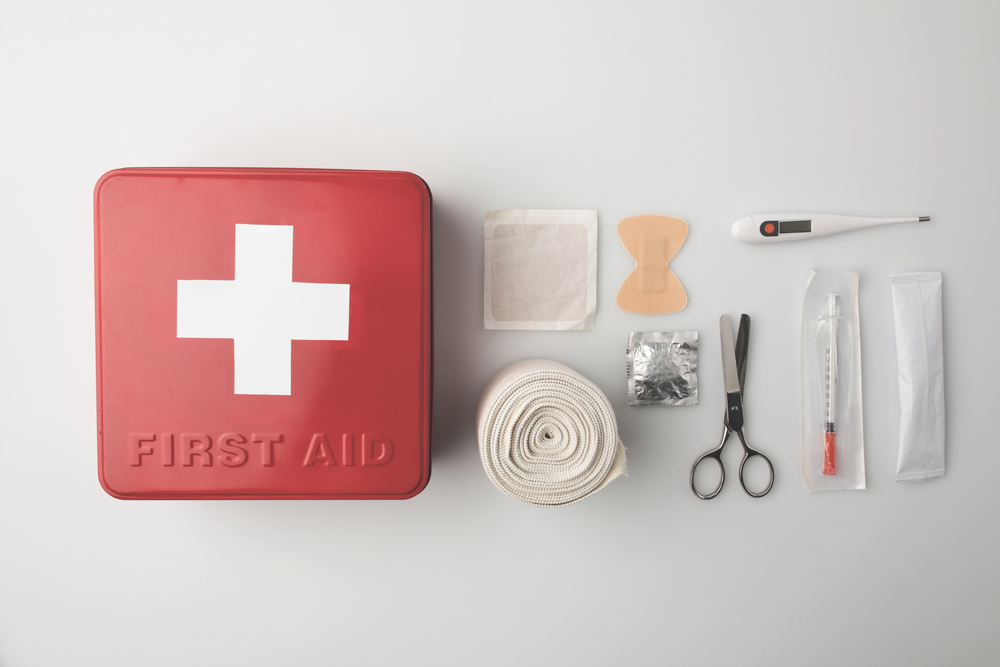
- Create a tiny first aid kit from what you already own.
- Keep a list of essentials you’d grab quickly (optional).
- Store key documents in a waterproof folder/zip bag.
- Keep a spare set of batteries (if you use them).
- Make a “power cut” plan (torch, blanket, charged phone).
- Make sure your home address is correct on your delivery apps (if you use them).
- Celebrate doing admin because honestly… It’s exhausting, and you did it anyway.
FAQs
What if I’m overwhelmed and can’t start?
Pick one 10-minute win. Start with something that reduces stress fast: unsubscribe, change your password, check your direct debits.
How many tasks should I do in one go?
Five max. The goal is progress, not burnout.
Can I use this as a monthly reset list?
Absolutely. Save it, then do 5–10 each month, and you’ll be quietly unstoppable.
Final Thoughts
Life admin is that chore we all have to do, but it is often left until the last minute.
But here’s the good news: you don’t have to “get on top of everything” to feel better. One tiny task at a time is enough to create breathing room.
So pick a number from the list, literally any number, and do just that one thing. Then stop.
And if you want to make this a habit without it feeling like a chore, try a monthly mini reset:
- Week 1: money admin
- Week 2: digital tidy
- Week 3: paperwork/home bits
- Week 4: “nice-to-have” tasks
What is your top tip to stay on top of life admin tasks?
Pin It!







Thank you, Sarah. So useful and you’ve just reminded me to order a prescription today as I’ve been out and forgotten! Thanks
It’s so easy to forget isn’t it, you now have reminded me to check if I need to order one as well so thank you!
I definitely need to spend some time unsubscribing from marketing emails! I can’t even remember signing up for a lot of them!
I love this list and intend to start doing them this week!
Good luck! I really hope it helps!
I love your lists! Snippets of easily achievable common sense actions that we should already know and carry out – but for some reason we don’t! Thank you.
Honestly I’m mostly writing them for myself – the last year has been HARD so I’m trying to think of things I need to know and just sharing them lol
hubby does most of this although I can do it if something happens to him…
I sooooo needed this and have bookmarked it to be able to do several tasks at a time, in 15/20 minute bursts which suits my undiagnosed but waiting for an assessment/not getting on the bandwagon ADHD mind/unmotivated. Thank you x
I hope your assessment goes well! I’m slowly being assessed as well – I’m not sure how it will go but my mental health team think I’m likely AuDHD.
This is such a helpful and motivating list. Life admin always feels overwhelming until it’s broken down like this.
It’s so hard at times isn’t it? And there’s always something that needs doing.
I need to add things to my phone calendar and use it properly I am always getting appointments confused and double booking
It is so useful – I auto chare mine as well with Ash which really helps too!